How to Choose the Best Printers for Packaging in 2026?
In 2026, choosing the right printers for packaging means matching print technology to the job, not chasing the newest machine. A folding-carton line, a flexible-pouch run, and a small-batch label order place different demands on speed, materials, color control, and changeovers. A useful decision starts with samples: coated board, film, corrugated stock, and the actual inks or finishes your products require. Ask suppliers to print on your substrate, then inspect fine text, gradients, registration, drying, and scuff resistance under realistic conditions. Small flaws show up fast.
This guide explains how to compare digital, flexographic, and other suitable systems by application, throughput, setup costs, maintenance, and operator needs. It also considers workflow software, service availability, consumables, and total cost of ownership—not just the quoted purchase price. Confirm waste rates, energy use, and recycling options using documented supplier information. There is no single best option. A printer that excels at short, frequent jobs may be a poor fit for long, steady runs, while a high-speed press can sit idle when demand is seasonal. Real production is less tidy. We’ll outline questions to ask, figures to verify, and trade-offs to test before investing. Reliable decisions come from measured samples, clear production targets, and honest conversations with experienced vendors.
Identify Your Packaging Printing Needs and Production Requirements
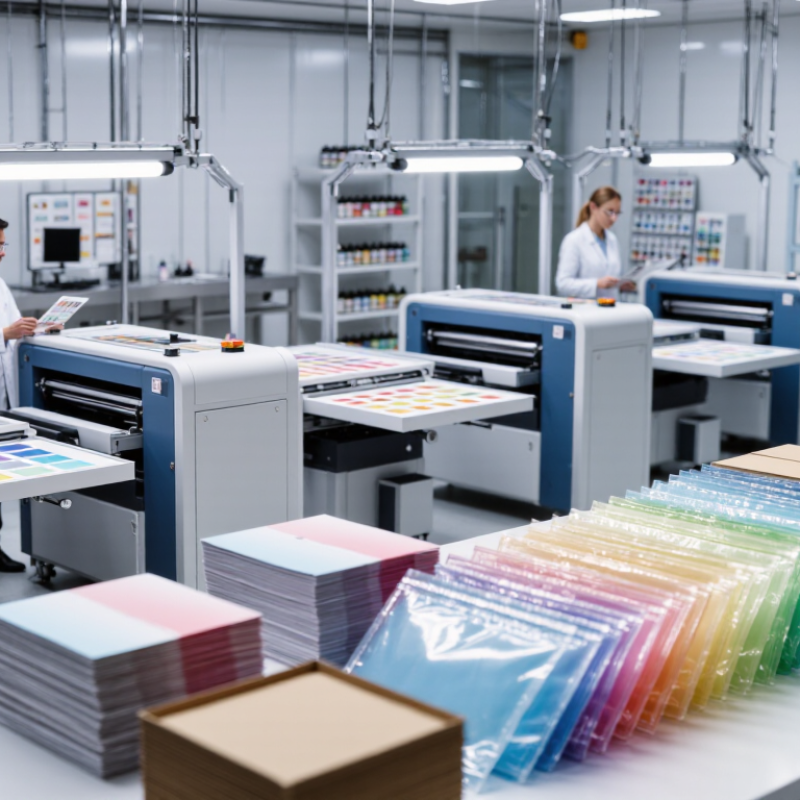
Start with the package, not the printer. Record the substrate, package dimensions, print area, colors, and finish for each product. Note how many designs change per shift and how often artwork is revised. A short-run carton job has different needs from long, repeat orders on flexible film. Small details matter.
Smithers’ report, The Future of Digital Print for Packaging to 2026, valued digitally printed packaging and labels at $22.5 billion in 2021. It forecast $36.9 billion by 2026. This growth makes short runs and faster artwork changes worth considering, but it does not mean digital printing suits every job. Compare the cost of setup, changeovers, ink, and expected waste against your actual order sizes. Check print quality on the real substrate, not just a sample sheet. Test it.
Production requirements deserve equal attention. Measure saleable output per hour, including setup and cleaning, rather than relying only on a press’s rated speed. Check whether drying time, finishing equipment, or operator availability could slow the line. A clean specification sheet does not reveal every production headache. I would question any capacity estimate that assumes nonstop running; real shifts rarely work that way. Ask suppliers for a supervised trial using your artwork and packaging material, then record speed, defects, color consistency, and changeover time.
Compare Printer Technologies for Different Packaging Materials
How to Choose the Best Printers for Packaging in 2026?
Compare Printer Technologies for Different Packaging Materials
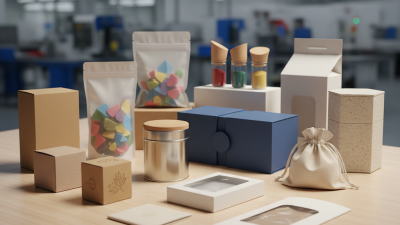
Packaging material should guide the printer choice. Flexographic printing suits long runs on flexible film, labels, and cartons, but plate preparation adds setup time. Digital printing handles short runs and changing designs with less setup. Still, confirm that its inks and curing method suit the exact film or coating. Corrugated boxes often need robust inkjet systems; porous surfaces can absorb ink unevenly. Gravure can deliver consistent results on very large film runs, though cylinder costs make short jobs less practical. No process fits everything.
Tips: Test the actual material, not a paper substitute. Check rub resistance, drying time, and color after folding or sealing. Keep samples. Small runs benefit from digital printing. For heat-sensitive films, ask about curing temperatures before committing.
Compare a printed sample under the lighting used in packing and retail areas. A color that looks accurate on a bench may shift under warehouse LEDs. Also check how fine text holds up on textured board and whether ink cracks at a fold. These details are easy to miss in a sales sample. Be cautious: a faster printer may still slow production if drying, finishing, or changeovers become bottlenecks.
Evaluate Print Quality, Speed, Integration, and Sustainability
Evaluate print quality on the actual packaging substrate, not a coated sample. Check fine text, color consistency, barcode readability, and scuff resistance after handling. Ask for repeated runs, including a job changeover, and record usable output per hour. Speed claims can mislead. Smithers’ The Future of Digital Printing to 2032 projected growth in digital print, signaling broader adoption, but that does not prove a specific press suits your line.
Integration deserves a live test. Confirm the printer accepts your artwork and job data, connects with production systems, and reports errors clearly. Watch an operator switch jobs: manual re-entry and unclear alerts can erase promised speed. Track setup time, rejected packs, and downtime across a representative shift. A perfect sample is not enough.
For sustainability, measure energy per thousand saleable packs, setup waste, and ink compatibility with the intended package-recovery route. OECD’s Global Plastics Outlook reports that packaging represented 40% of plastic waste generated in 2019; print choices are only one part of that challenge. Ask suppliers for documented energy and waste figures, then verify them in a trial. Some trade-offs remain: faster curing may increase energy use, and recyclable packaging still depends on local collection and processing.
Assess Total Cost, Maintenance, and Regulatory Requirements
How to Choose the Best Printers for Packaging in 2026?
A printer’s purchase price tells only part of its cost. Calculate total cost across its expected working life, including ink, printheads, cleaning supplies, energy, software, and operator training. Add setup waste and downtime; both can quietly raise the cost per saleable package. Test the printer on your actual packaging material, not just a smooth sample sheet. Small costs add up.
Tips: Run a timed production trial. Record setup time, rejected prints, and cleaning steps. Test before committing.
Maintenance affects output as much as speed. Ask how often parts need replacing and whether routine cleaning requires specialist support. Check service response times and the availability of consumables. A printer that is easy to maintain may suit a smaller team better than a faster model with demanding upkeep. Still, estimates can miss real production interruptions, so leave room for uncertainty.
Regulatory needs depend on the product, packaging, and markets where it will be sold. Confirm requirements for print legibility, variable information, and any relevant material or ink restrictions with a qualified compliance professional. Ask for technical documents, then verify that codes remain readable after handling, storage, and sealing. Do not assume a sample print proves ongoing compliance; check real production batches too.
How to Choose Packaging Printers in 2026: EU PPWR Timeline
Regulatory milestones can affect packaging design and print workflows. Use this timeline alongside a total-cost, maintenance, and compliance review.
What this means for printer selection: The EU Packaging and Packaging Waste Regulation (PPWR) entered into force on 11 February 2025 and generally applies from 12 August 2026. Check how the rules affect the packaging you produce, and verify that inks, substrates, and print processes meet the requirements relevant to your market and application.
Source: Regulation (EU) 2025/40, EUR-Lex. Dates shown are EU regulatory milestones, not printer certification deadlines.
Test Shortlisted Printers Before Making a Final Selection
Before choosing a packaging printer, run the same job on every shortlisted machine.
Use your actual carton, film, or label stock, not a glossy demo sheet. Small differences matter. Check color consistency across repeated runs, especially on important shades and fine text. Record setup time, usable output, and rejected pieces; quoted speed alone can mislead.
Then test the features your production line will depend on. Print a dense barcode, tiny batch code, and large solid area, then inspect them under normal production lighting. Scan codes with your usual equipment, and check whether ink rubs off during handling. Run a short job, pause it, and restart; registration can shift after interruptions. Not glamorous, but revealing.
Ask an operator to perform a routine changeover and basic cleaning while you time each step. Note noise, waste, and whether instructions are clear without a technician nearby. Keep printed samples and machine settings for comparison. Repeat the test on another day if results look unusually perfect. One clean run proves little. A practical trial may expose awkward adjustments or inconsistent output that a showroom demonstration misses.